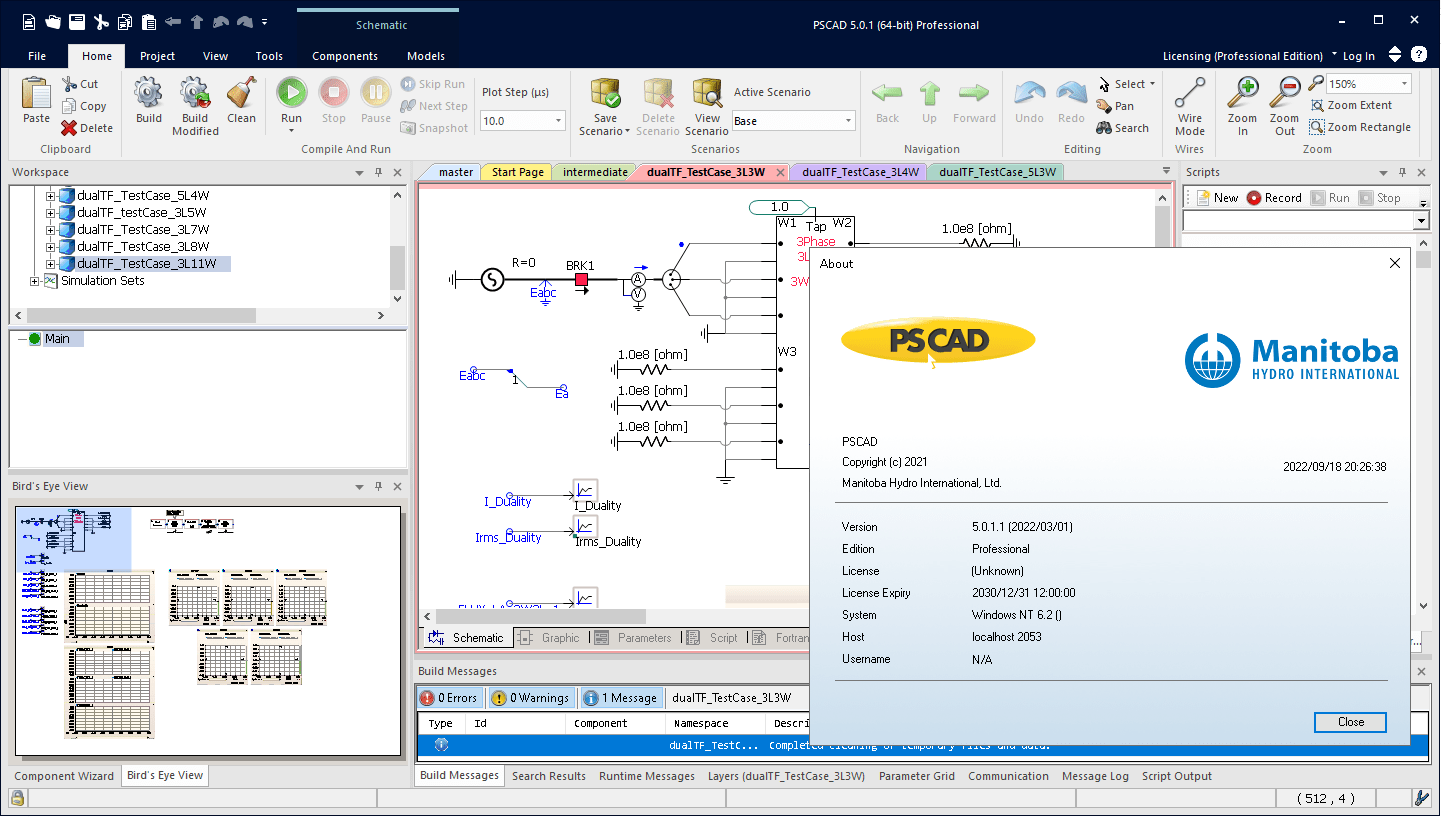
Download PSCAD Professional 5
what is new in PSCAD Professional 5.0.1
PSCAD Professional 5.0.2 is a maintenance release that delivers major performance improvements, Python automation updates, and numerous bug fixes over version 5.0.1.
🚀 Performance Enhancements
- Project Load Speed: Significant optimization in loading large workspaces.
- v5.0.0: ~11 minutes for 100+ projects
- v5.0.1: ~7.5 minutes
- v5.0.2: ~2 minutes
- Multiple speed optimizations applied across the platform to improve responsiveness.
🐍 Python Automation Updates
- Compiled Library Creation: New command
Create Compiled Library (*.lib)now supported in automation. - Namespace & Definition Handling:
Edit Reference | NamespaceandDefinition Namecan now be automated. - Parameter Modification: Added ability to auto-modify definition settings via
.parameters(). - Instance Tracking: New property
.instancesto count total definition instances.
🛠️ Usability Improvements
- Component Wizard Defaults: Users can now set default port attributes when creating new ports.
- Canvas Handling: Improved zoom/pan behavior; scaling and navigation bugs fixed.
- Graphical Stability: Switching between projects no longer resets zoom levels or causes display glitches.
🐞 Bug Fixes
- Correct signal creation from sequencer components.
- Fixed PNI simulation failures when external transmission lines shared names across projects.
- EMTDC output files (
*.infx) now include external library project outputs. - Password-type parameters now accept empty strings.
- Canvas panning and scaling issues resolved.
- Project modification flags now correctly update when moving components.
📊 Context: PSCAD V5 Series
The broader PSCAD V5 platform introduced:
- PRSIM™ (Power System Importer) for easier data integration.
- Embedded Python scripting with recording.
- Modified Augmented Nodal Analysis (MANA) in EMTDC.
- KLU sparsity algorithm for faster EMTDC simulations.
- Cluster Launch System (CLS) for parallel runs.
- Improved Master Library models and enhanced parameter dialogs.
Version 5.0.2 builds on these by polishing performance, expanding automation, and fixing stability issues.
Requirements
Good motherboard with fast front-side speed
8 GB+ of fast, high-quality RAM2
Solid-state hard drive
64-bit operating system
8 CPU cores (minimum 4)3 with a decent CPU ranking
One USB 2.0 port or better (see Legacy Lock-based Licensing below if using)
Microsoft® Windows 7 SP1 64-bit and Windows 10 64-bit4 (officially supported)
- It may be possible to run on a virtual machine.
- The following additional operating systems may also work: Windows 8 and 8.1, and Windows Server 2008 R2 SP1 and 2012 R2
- PSCAD version 4.6 and higher is not supported on: Windows XP, Windows Vista, and Windows 7 SP0
Download PSCAD Professional 5.0.1
Download PSCAD Professional 5.0.1
How to install PSCAD v5
Installation instructions: see file readme.txt