Download Etap 2024.0.0
What is new in ETAP 2024.0.0
Here’s what’s new in ETAP 2024.0.3 (the latest release in the 2024 series):
🔑 Key Enhancements
- Integrated Power Analysis Tools
Improved accuracy and expanded modeling capabilities for complex electrical networks, including nuclear and high-impact systems. - Model-Driven Automation
Streamlined workflows with automation features that reduce manual setup and improve consistency in engineering studies. - Cybersecurity & Access Control
Strengthened user-access management and compliance with modern cybersecurity standards, ensuring secure operations for critical infrastructure. - Electric Copilot™ (AI Assistant)
A new AI-powered natural language assistant that helps engineers interact with ETAP more intuitively, offering conversational queries, predictive insights, and guided workflows. - Unified PowerRibbon™ Interface
A redesigned ribbon-based UI that simplifies navigation and reduces design time. - Expanded Component Libraries
Support for advanced modeling elements such as autotransformers, long-line models, DC capacitors, and renewable energy components. - Digital Twin Enhancements
Advanced electrical digital twin capabilities for real-time monitoring, predictive analysis, and system optimization
ETAP 2024 is here! The integrated design and operation solutions featuring a new user interface designed to maximize efficiency, enhance productivity, and simplify the overall user experience.
With a focus on enhanced functionality and user experience, ETAP 2024 represents a significant leap forward in power system analysis and design.
Key Features of ETAP 2024:
- Advanced power simulation and analysis for deeper insights and informed decisions
- Streamlined user interface for improved workflows featuring the new ETAP PowerRibbonTM
- Integration of cutting-edge technologies like AI for enhanced performance
- Enhanced functionalities for renewables design and integration
- Expanded library of components and models
Modern Ribbon Interface, Unifying Intent & Command
Ensure a seamless and intuitive experience with a ribbon-based user interface that brings user intent and command together.
Sustainability Analysis
Improve electrical designs with a new dimension
- Carbon emission footprint analysis (scope 2)
- Inspect the CO2 emissions of electrical network operations
- Specify emissions baselines
- Specify utilities across different world regions
- Select custom regions for islanded power systems
- Use real-time emission factors from ETAP’s cloud
- Combine historical data (time series) emission factors (marginal and average) with time-domain load flows
- Use static emission factors to simplify calculations
- Show rich dashboards for presentations
- Generate camera-ready Word reports
- Access raw results files in CSV
- Compare the footprints of several studies
AC Arc Flash
Reduce risk, improve safety & enforce compliance
- ArcFault™ with Incident Energy Subtraction method
- Updated shock protection boundaries based on NFPA 70E – 2024 & CSA Z462 – 2024
- New NEC® label templates
- Improved AC & DC analyzer layout saving capability
- Enhanced AC & DC arc-flash calculators
ETAP 2024 System Requirements
Operating System (64-bit)
- Microsoft Windows 11 (Professional)
- Microsoft Windows 10 (Home Premium, Professional, Enterprise)
- Microsoft® Server 2022 (Standard)
- Microsoft® Server 2019 (Standard)
PC Hardware Configuration
- 64-bit hardware
- USB Type-A port (for security key only. Not required with network licensing)
- Ethernet port or WiFi w/ network access (for network licensing & software download)
Recommended Hard Disk Space
- Installation Only: 30 GB
- Installation + Projects: 100 GB (based on number of projects, project size, number of buses, backup retention options)
- Recommended for 10,000 Bus or greater projects: Solid State Disk (SSD): 200 MB/s or better read/write speed
- Recommended for 20,000 Bus or greater projects: NVMe m.2 (Nonvolatile Memory Express): 5GB/s or better read/write speed
Recommended Display & Graphics
- Video card with hardware support for Direct2D
- Minimum: 21″ monitors or higher with 1920 X 1080 resolution
- Recommended: 27” Dual monitors (4k or higher)
Minimum CPU & RAM
| 100 Bus Projects | 500 Bus Projects | 1000 Bus Projects | 10,000 Bus Projects and Higher |
| Intel Core i5 or better2.4 GHz or better | Intel Core i5 or better3.0 GHz or better | Intel Core i7 or better3.0 GHz or better | Intel Core i7 or better3.0 GHz or better |
| 8 GB of RAM | 8 GB of RAM | 16 GB of RAM (high-speed) | 32 GB of RAM (high-speed) |
Software Requirements
- Microsoft® Edge or Google Chrome
Third-Party Packages
ETAP installs the following Packages:
- Intel® Fortran Compiler runtime 2022.2.0.9553 (x64)
- Microsoft ASP .NET Core 6.0.22 Shared Framework (x64)
- Microsoft .NET Framework v4.8
- Microsoft ODBC Driver 17 for SQL Server
- Microsoft SQL Server 2019 Express LocalDB (x64)
- Microsoft Visual C++ 2022 Redistributable (x86 & x64)
- Microsoft Windows Desktop Runtime – 6.0.22 (x64)
- OpenSSL 3.0.13 (optional)
- SAP Crystal Reports runtime engine for .NET Framework CR13 SP26
- SQLite 3.32.3
- SQLite ODBC Driver 0.9998
Third-Party Packages distributed but not installed
- Microsoft Access Database Engine 2016
- Microsoft SQL Server Compact 4.0 SP1 x64
- MongoDB 64 bit 6.0
- Python 3.11.4
Download ETAP 2024.0.0
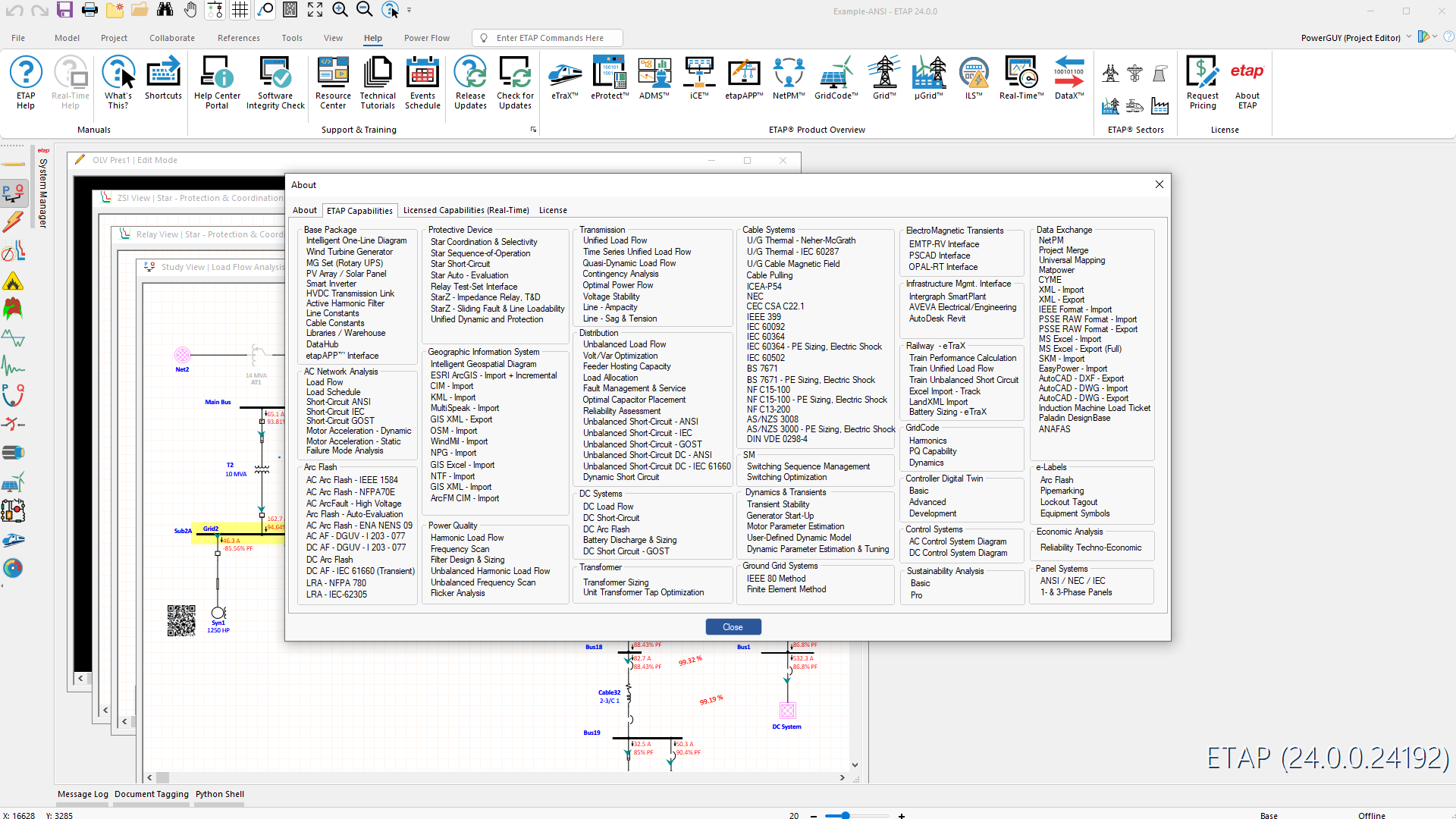
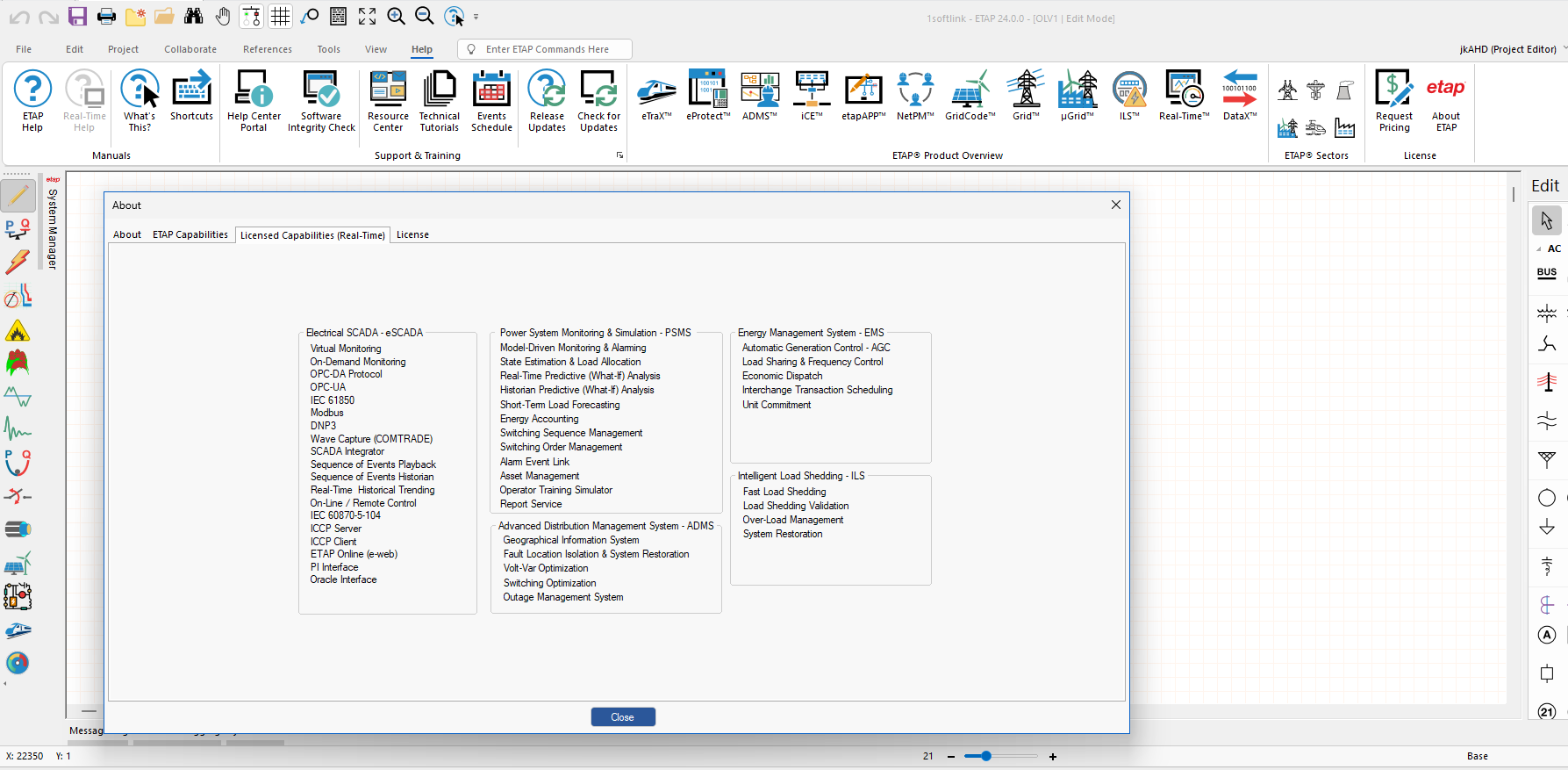
Download ETAP 2024.0.0
Password extract file: 1soft.link OR 2020
How to install Etap
Download all parts (If the file is split into multiple parts), then extract the file
Installation guide: install according to the instructions in the Readme.txt file
NOTE: Some software requires:
- Disable anti-virus software when unpack and install
- After the installation is done, open anti-virus software, add installation directory OR Cracked file to exclusion (Set in antivirus app OR windows security)